New User Profile System - June 1, 2025
We're excited to introduce our completely redesigned user profile system, giving you more ways to showcase your VR identity and connect with the community.
What's New
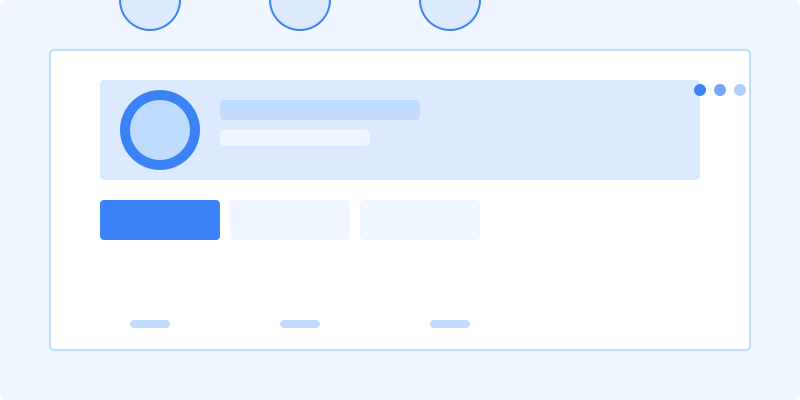
1. Rich Profile Pages
- Modern, responsive design
- Customizable layout sections
- Featured events and badges
2. VR Identity
- VR platform preferences
- Hardware setup showcase
- Favorite VR experiences
3. Social Features
- Friend connections
- Activity feed
- Community badges
Privacy & Control
1. Granular Privacy Settings
- Control who sees your information
- Custom privacy for different sections
- Activity visibility options
2. Notification Preferences
- Customize notification types
- Set quiet hours
- Email digest options
Getting Started
- Click your avatar to visit your profile
- Select "Edit Profile" to begin
- Add a profile picture and cover image
- Update your VR interests
- Connect with friends and communities
We're continuously enhancing profiles. Share your feedback with us!